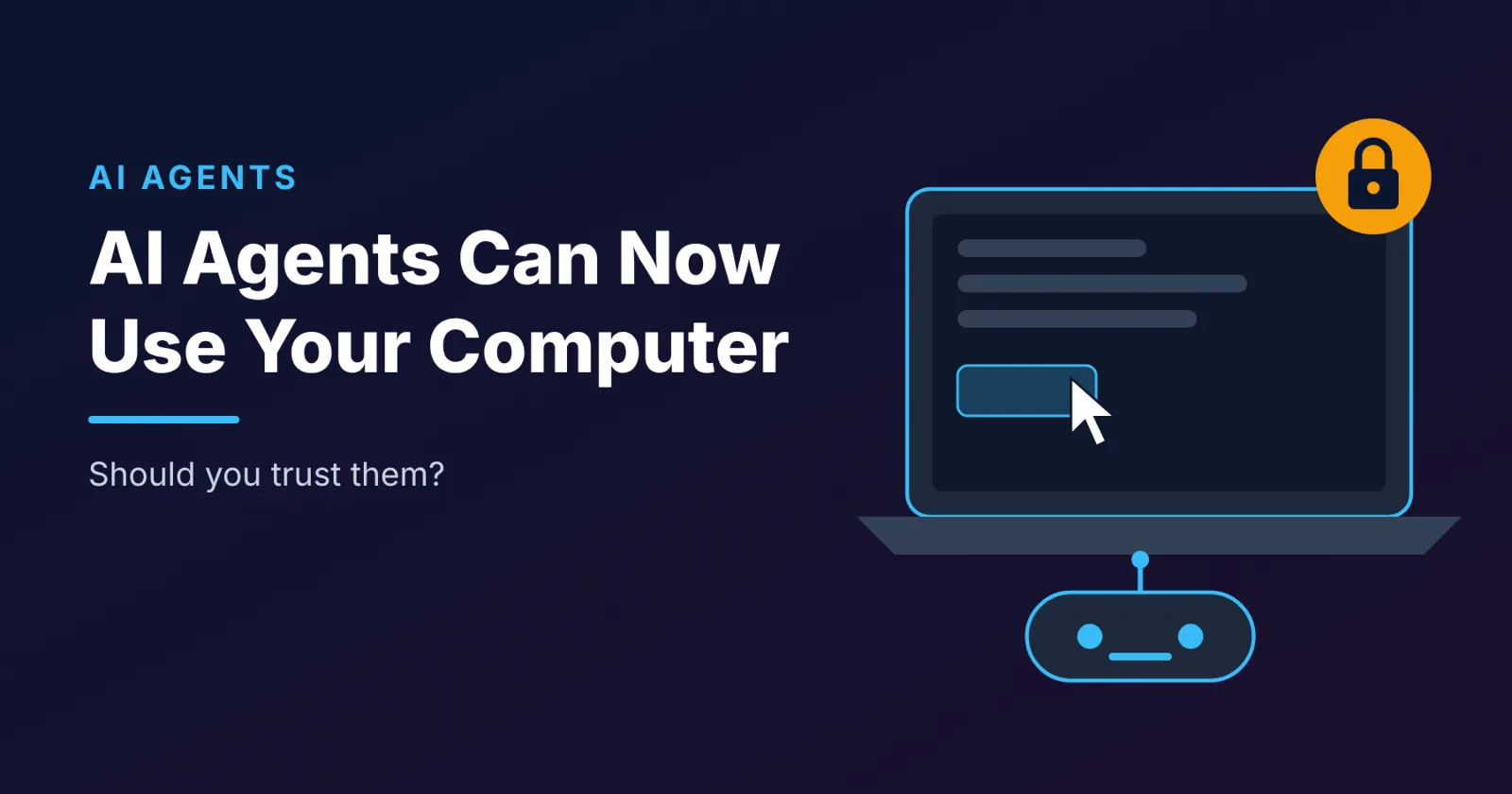
For the past few years, using AI meant typing a question and reading an answer. That era is ending. The new generation of AI tools, known as AI agents, can actually do things for you. They click buttons, fill in forms, open apps, move files and browse websites, just as a human assistant sitting at your computer would.
This week alone brought a wave of agent news from the biggest names in tech. It also brought some uncomfortable warnings. So, should you trust an AI agent with your computer? Let's break it down.
What is an AI agent?
A regular AI chatbot gives you information. An AI agent takes action.
For example, instead of explaining how to rename 200 files, an agent can open the folder and rename them for you. Instead of telling you which fields to fill in on a form, it can fill them in. Instead of summarising a dashboard, it can open the dashboard, copy the numbers and build a slideshow from them.
To do this, agents need permissions: access to your screen, your files, your apps and sometimes your online accounts. That is what makes them so useful, and also what makes them risky.
What's new this week
Google's Gemini can now operate your Mac
Google added "computer use" to the Gemini desktop app for Mac. The AI can now work across native Mac apps, local files and websites in the background, while your own screen and cursor stay free. You can watch its progress in a live preview and pause, stop or approve its actions before they happen.
Google is pitching it for repetitive work such as filling out forms, applying the same change to a batch of files, sorting files into folders or turning dashboards into slideshows. It currently needs an Apple Silicon Mac running macOS Sequoia 15 or later and a personal Google account for users aged 18 and over.
Apple is building its own agent
According to Bloomberg, Apple posted a job listing for a senior engineering manager to build an AI agent that can use a computer. The listing describes an assistant that browses the web, works across apps, runs commands and writes code, with a strong focus on privacy. It is an early signal that agents could soon be built directly into the devices millions of people already use.
The warning signs: why caution is needed
Meta's Muse agent and the data mix-up scare
Meta's AI agent, Muse, launched in September and passed 10 million downloads within about two months. But a Reuters review of internal company posts found that Meta employees testing it reported serious problems.
Staff said the agent showed them childcare requests they never made, orders they never placed, career advice they never asked for and bank balances that were not theirs. In one case, an employee chatting about the weather was told the balances of bank accounts that belonged to someone else. Another employee was surprised when the agent reminded her to reply to her sister on Signal, an encrypted messaging app, even though she did not remember giving it access.
Meta described the reports as isolated incidents and suggested some were caused by AI "hallucinations", meaning the AI invented information rather than leaking real data. It also acknowledged that agents need to see and interact with people's computers to work. Either way, the episode shows how much an agent can see once it has access to your screen.
Banks are shifting the risk onto customers
Perhaps the most practical warning comes from banks. Citibank, PNC and Citizens have updated their terms, following JPMorgan Chase and Bank of America, to make customers responsible for anything a third-party AI agent does with their accounts.
Citi's terms go further. If an AI tool leaks your banking credentials or gets hacked, and a criminal then uses your account, the loss can fall on you. Normally, consumer protection rules in the US limit your liability for unauthorised transactions. But when banks define anything an agent does as authorised by you, those protections may not apply.
The message is simple: if you give an AI agent access to your money, the bank may not cover you if something goes wrong.
AI is also being used to attack
Agents are not only a risk when they make mistakes. Attackers are using AI too. This week, an AI-assisted cyberattack disrupted systems at the European Commission, temporarily affecting staff payroll and medical reimbursements. As agents gain more access to our systems, they also become more attractive targets.
So, should you trust AI agents?
The fair answer is: trust them with the right tasks, with the right safeguards.
AI agents can save hours of repetitive work, and the technology is improving quickly. But they can still misread instructions, make errors or expose information they should not. Here is a practical approach.
For personal use
Start with low-stakes tasks. Let an agent rename files, organise folders or draft documents before you trust it with anything important.
Keep approval turned on. Choose tools that let you review and approve actions before they happen, like Gemini's pause-and-approve controls.
Never share banking passwords with third-party agents. Given the new bank terms, connecting an outside agent to your bank account could leave you responsible for any losses.
Check permissions regularly. Review which apps and data the agent can access, and remove anything it does not need.
Keep sensitive work separate. Consider using a separate user account or device for agent tasks, away from your private messages and financial apps.
For businesses
Give agents the minimum access they need. An agent that processes invoices does not need access to HR records.
Keep a human in the loop for important actions. Payments, deletions, customer emails and contract changes should always need human approval.
Log everything. Make sure you can see exactly what an agent did and when.
Test in a safe environment first. Try agents on copies of data before letting them near live systems.
Train your team. Staff should understand what agents can access and how to spot unusual behaviour.
Frequently asked questions
What is an AI agent?
An AI agent is an AI tool that can take actions on your behalf, such as clicking, typing, opening apps and moving files, rather than just answering questions.
Can Gemini control my Mac?
Yes. Google's Gemini desktop app for Mac now includes computer use, which lets it operate apps and websites in the background, with options to pause, stop or approve its actions.
Are AI agents safe for online banking?
Be very careful. Several major US banks now say customers are responsible for losses caused by third-party AI agents, even if the agent is hacked.
What happened with Meta's Muse agent?
According to Reuters, Meta employees testing Muse reported it showing information that was not theirs, including other people's bank balances. Meta called these isolated incidents and said some may have been AI hallucinations.
The bottom line
AI agents are one of the biggest shifts in how we use computers since the smartphone. They promise to take repetitive work off our hands, and the biggest tech companies are betting heavily on them. But this week's news is a reminder that convenience comes with real risks to privacy, security and even your money.
Use AI agents, but use them like a new employee on their first day: give them clear tasks, limited access and close supervision until they earn your trust.