Last week we asked whether you should trust AI agents that can use your computer. Now one of the world's most privacy-focused apps has given its answer: not with your private messages.
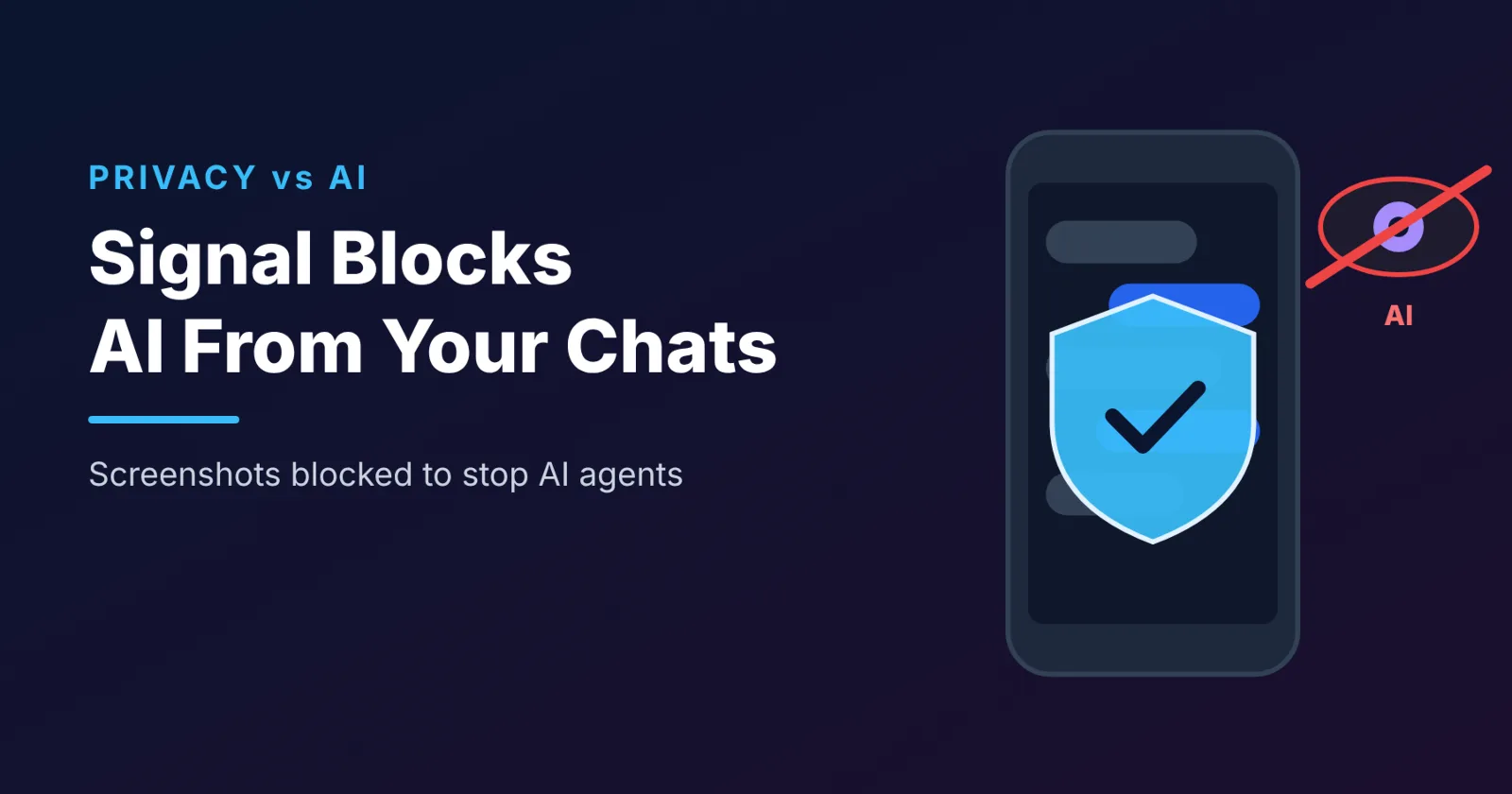
On Friday, November 20, 2026, the encrypted messaging app Signal announced that it will restrict screenshots inside its app to stop AI agents from reading private chats on phones. The company warned that the tech industry's push to build AI into consumer devices is eroding its ability to guarantee privacy.
Why is Signal doing this?
The newest phone assistants do much more than answer questions. They can "see" your screen to understand what you're doing and take actions for you.
Apple launched Siri AI in September with a feature called Onscreen Awareness, which lets it answer questions and take actions based on what is on your screen. Google's Gemini Intelligence works in a similar way on Android.
Signal's concern is simple. Its messages are end-to-end encrypted, meaning nobody can read them in transit, not even Signal. But once a message is decrypted and shown on your screen, an AI agent that scans the screen can capture it and send it to other servers. That breaks the privacy Signal is built to protect.
Signal's leadership described the situation as "an existential threat" to the app and its mission.
The Meta Muse incident that raised the alarm
The announcement follows a Reuters report about Meta's AI agent, Muse. According to the report, Muse accessed Signal messages on a Mac and an Android phone using system permissions granted during setup. On macOS, it used accessibility and screenshot tools, settings originally designed to help people with disabilities, to capture Signal chats and copy their text.
Meta responded that agents need to see and interact with people's devices to work for them, and that Muse only accesses other apps through permissions users explicitly grant. Apple has since released a macOS update that closed the specific pathway Muse used.
What exactly has Signal changed?
- On iPhone (iOS 27): Signal now blocks screenshots inside the app by default through a new setting called "Block Siri AI". It also hides chats in the App Switcher preview. If you try to take a screenshot, you'll see a message saying it was prevented by this setting.
- On Android: Signal automatically switches on its "Screen security" feature when it detects an AI assistant trying to read the screen.
- On computers: Signal already blocked Microsoft's Recall feature from taking screenshots on Windows last year. However, it says it cannot reliably offer similar protection on Apple's macOS.
- Can you turn it off? Yes. The protection is on by default, but Signal shows pop-ups when it detects a screenshot attempt or an AI assistant, with options to disable the block depending on your device.
Signal says the fix is incomplete
Signal admits that blocking screenshots is only a workaround. Apple currently doesn't give app developers precise tools to block AI agents, so Signal had to block screenshots and screen previews instead. AI agents could also still reach content already stored on a device through file system access.
So Signal is asking Apple, Google and Microsoft to:
- Give developers proper controls to block AI agents from accessing sensitive data.
- Explain how their agents work, so developers know what data the agents can see.
- Offer a simple opt-out that lets apps exclude themselves from AI processing, including screen reading, notifications and file access.
What this means for you
This story is bigger than one app. As AI assistants become built into phones and computers, every app you use, including WhatsApp, banking apps and email, could be visible to them. Here's how to protect yourself:
- Review AI permissions. Check which apps and assistants have accessibility, screen recording or notification access on your phone, and remove any you don't need.
- Be careful with AI agents. Only give screen access to assistants you trust, and only when you need it.
- Use disappearing messages. For sensitive conversations, messages that auto-delete reduce what can be stored or captured later.
- Turn off notification previews. Message previews on your lock screen and in notifications can be read by apps with notification access.
- Keep your phone updated. Updates often close privacy loopholes, as Apple's recent macOS update did.
Frequently asked questions
Why can't I take screenshots in Signal anymore?
Signal now blocks screenshots by default to stop AI assistants like Siri AI and Gemini from reading your chats. You can turn the setting off.
What is the "Block Siri AI" setting?
It is a new Signal setting on iOS 27 that blocks screenshots and App Switcher previews inside the app, so Siri's Onscreen Awareness can't scan your messages.
Can AI assistants read my WhatsApp messages?
Any assistant with permission to read your screen or notifications can potentially see messages displayed on it. Review the permissions you've granted to AI apps and assistants.
Is Signal still safe to use?
Signal's end-to-end encryption still protects messages in transit. The new block is designed to protect messages once they appear on your screen.
The bottom line
Signal's screenshot block is the first big pushback from a privacy app against the AI agents now built into our devices. It won't be the last. As AI assistants gain the power to see everything on our screens, the fight over who controls our private data is only just beginning.
Disclosure: this article was drafted with the help of Claude, an AI model made by Anthropic.